QR code maker for iPhone, iPad and Android
Make QR codes on your phone or tablet
Turn a link, a Wi-Fi password, your contact card or a calendar event into a clean, scannable QR code in a few taps. Style it to match your brand, then save it, share it or print it.
Free download · No account · No watermark
Scan to get the appScan this code with your phone to open the right app store for your device.
- Free download
- iPhone, iPad and Android
- 38 languages
- No account needed
- Made on your device
Nine QR code types
What you can turn into a QR code
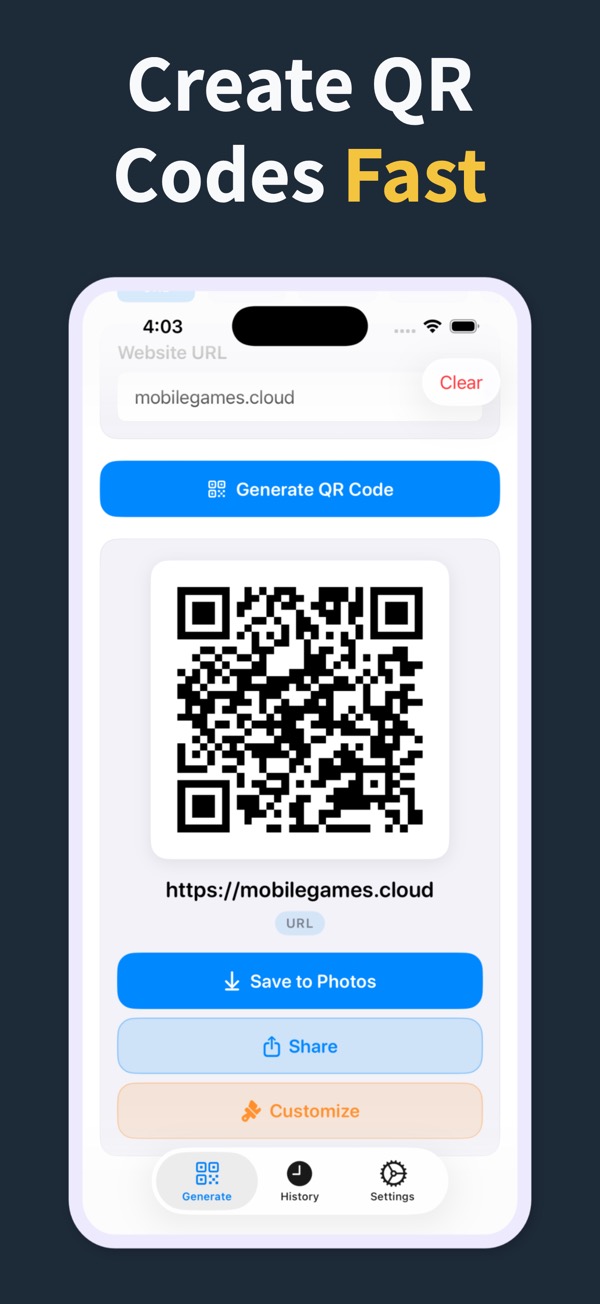
Pick a type and the app shows only the fields that type needs. Website links are free; the other eight types come with Pro.
-
Website link Free
Menus, booking pages, portfolios, sign-up forms and social profiles: any address people would otherwise have to type.
-
Contact card Pro
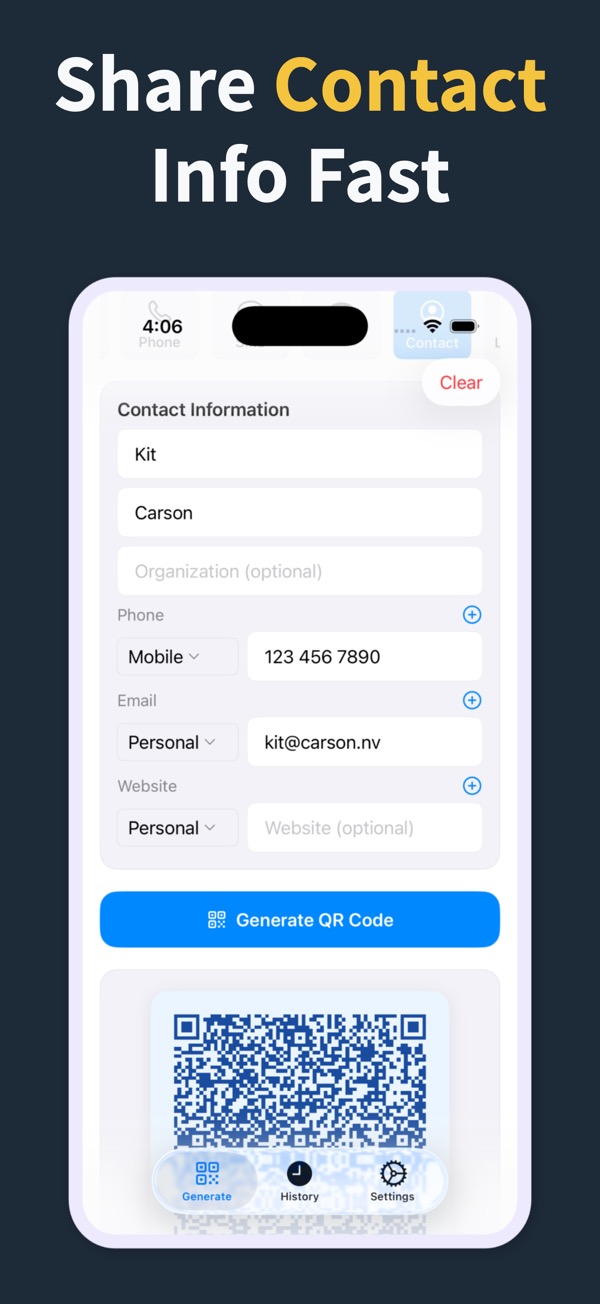
Build a vCard with your name, company, several phone numbers, emails and websites, or pick someone from your contacts. One scan and the other phone offers to save the card.
-
Wi-Fi network Pro
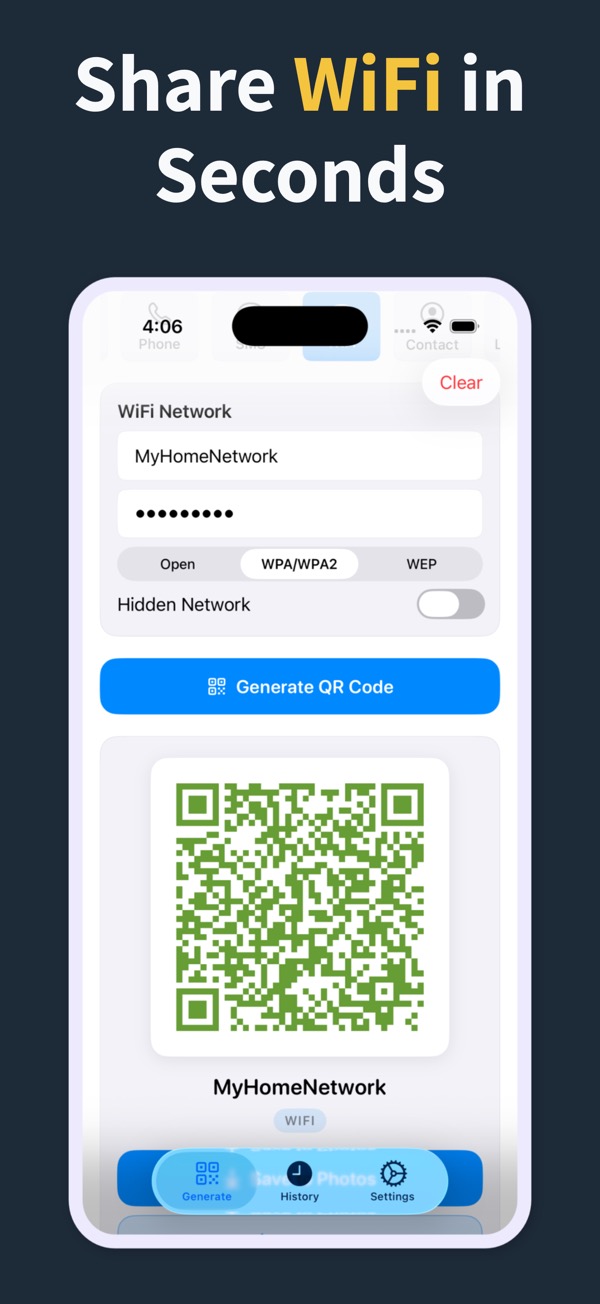
Enter the network name, password and security type once. Guests point their camera at the code and join without asking you to spell the password.
-
Calendar event Pro
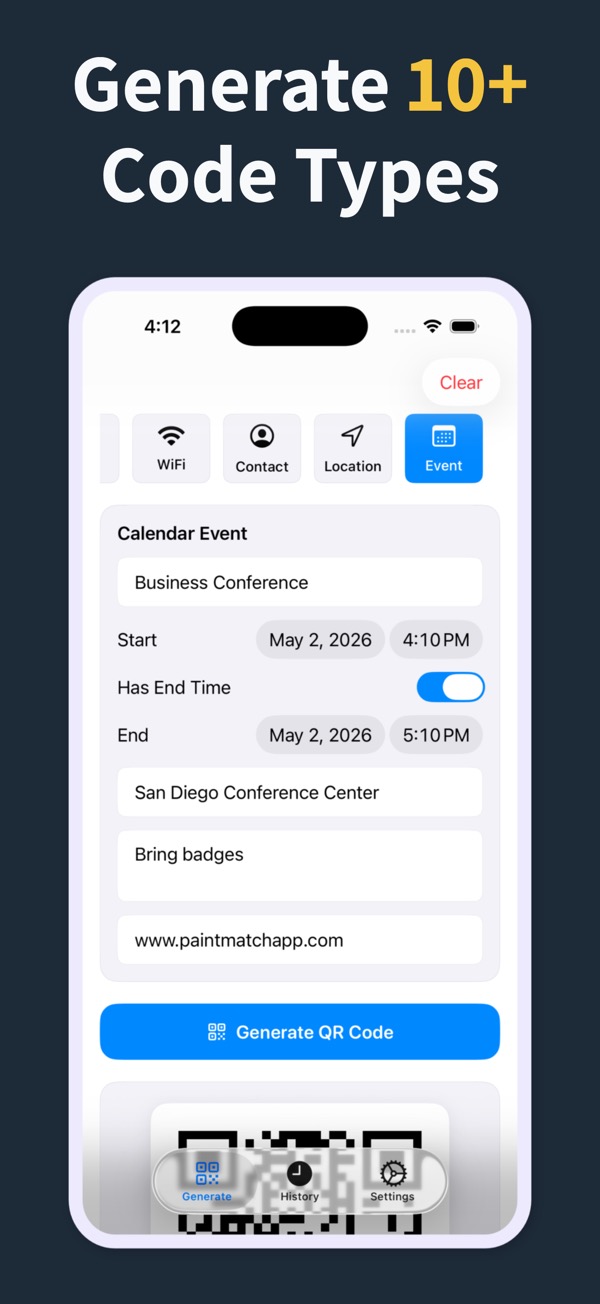
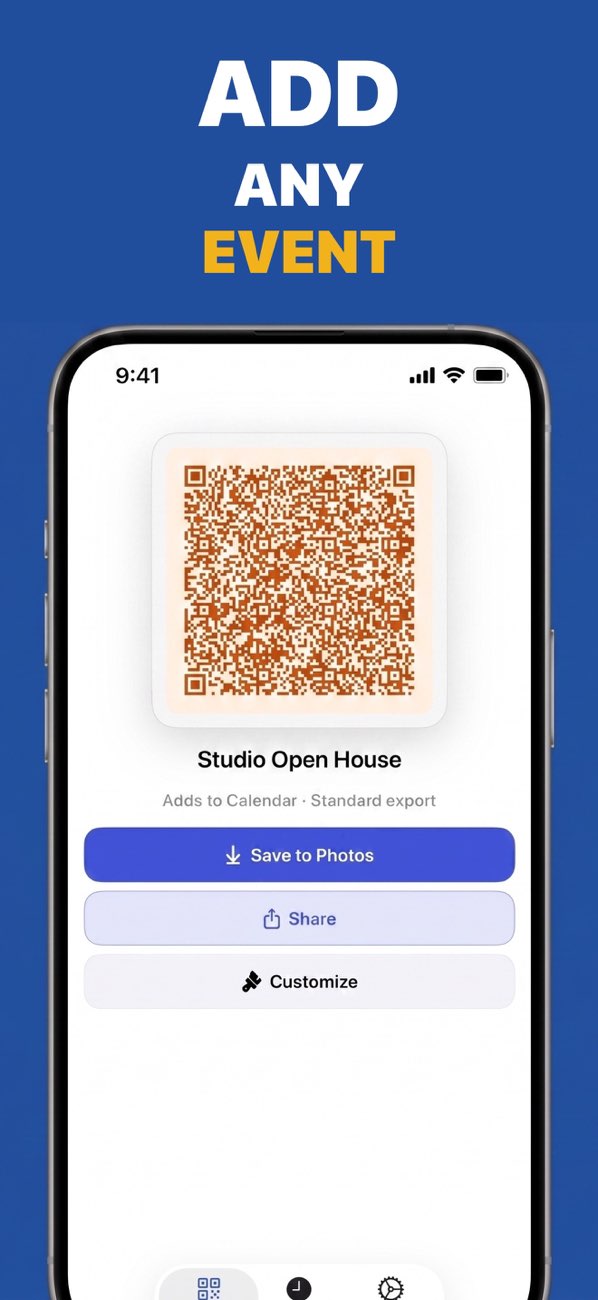
Pick an event from your calendar or type the title, time and place. People scan it and add the event to their own calendar.
-
Map location Pro
Share a place as coordinates with a label. The code opens it in the scanner's maps app, which is handy on invitations, signs and property flyers.
-
Plain text Pro
Short instructions, a serial number or a note that can be read without an internet connection.
-
Email Pro
Opens a new email with the address, subject and message already filled in.
-
Phone number Pro
One scan starts a call. Useful on service stickers, shop windows and business cards.
-
Text message Pro
Opens a text message to your number with the words already written, ready to send.
How it works
From idea to printed code in three steps
- 1
Choose what to share
A link, Wi-Fi, a contact, an event, a location, text, email, a phone number or a text message.
- 2
Fill in the details
Type them in or import a contact or calendar event. The app turns them into a standard QR code that any phone camera can read.
- 3
Style, save and share
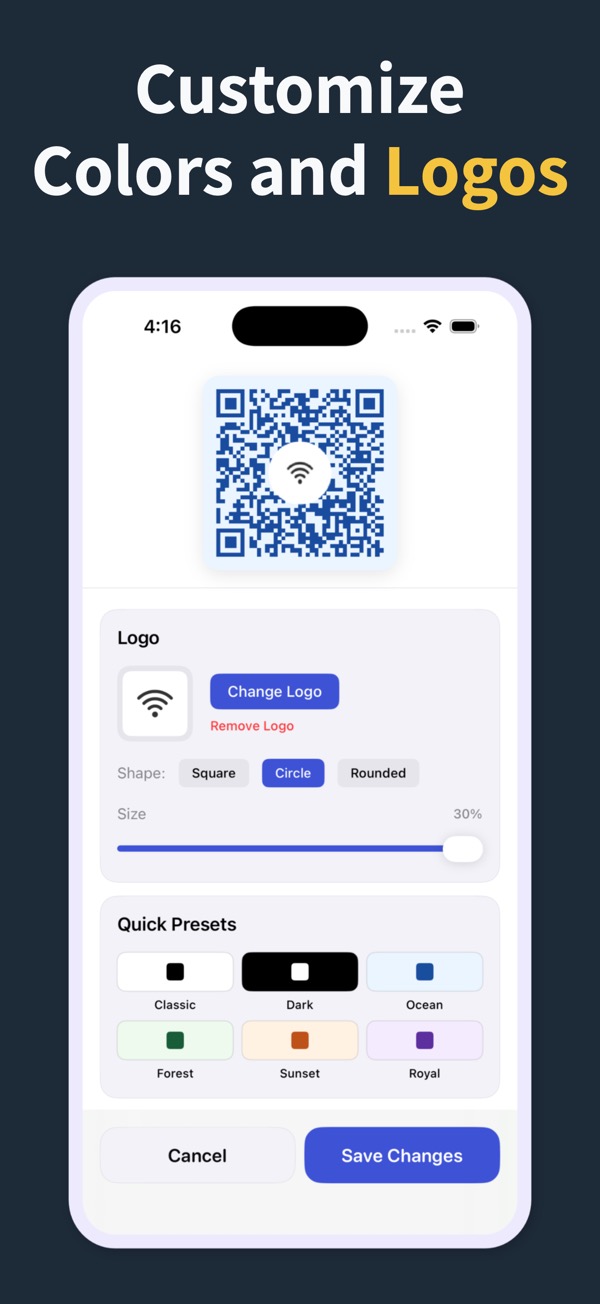
Pick colors or a preset, add your logo, then save to Photos, share it, or export a print-size file.
Design
Make it look like yours
A QR code on a menu, a business card or a poster should look like it belongs there.
Colors and presets
Any foreground and background color, or start from a curated preset.
Your logo in the center
Square, circle or rounded. Codes use the highest error-correction level, so they still scan with a logo on top.
Margins that fit
Adjust the white border so the code sits cleanly on a card, sign or slide.
Print-ready sizes
Export at 512, 1024 or 2048 pixels, sharp enough for flyers and posters.
History you can edit
Every code you make is saved. Reopen it, change the link or the colors, and export again.
Inside the app
See it on iPhone
FAQ
Questions people ask
How do I make a QR code on my iPhone?
Install QR Code Generator Maker, tap the type you need, such as a website link, and enter the details. The QR code is ready right away: save it to Photos or share it from the same screen. Website-link codes are free; the other types need Pro.
How do I share my contact details as a QR code?
Choose Contact and fill in your name, phone numbers, emails and websites, or import an entry from your contacts. The app creates a vCard QR code. When someone scans it with their camera, their phone offers to save you as a new contact. Contact codes are part of Pro.
Can guests join my Wi-Fi by scanning a code?
Yes. Choose Wi-Fi, enter the network name and password and pick the security type. Most phone cameras recognize the code and offer to join the network, so nobody has to type the password. Print it for a café table, a guest room or an office.
What is free and what needs Pro?
The download is free and includes website-link QR codes with colors and presets, saved at 512 pixels, plus your history. Pro unlocks the other eight types, logos and 1024 or 2048 pixel export. You can choose a subscription or a one-time lifetime purchase; the App Store shows the price for your country.
Do the QR codes expire?
No. The app makes static QR codes: the link, contact or Wi-Fi details are stored in the code itself, not on a server. A code you have saved keeps working even if you delete the app or your subscription ends. If a link changes, edit the code in your history and export a new one.
Can the app scan QR codes?
No, it is a QR code maker. To scan a code on iPhone, open the Camera app and point it at the code, or use the Code Scanner in Control Center.
Is the app available for Android?
Yes. QR Code Generator Maker is on Google Play as well as the App Store, with the same nine QR code types, styling options and export sizes.

Your next QR code is a few taps away
Download QR Code Generator Maker and make your first code today.
Scan to get the appScan this code with your phone to open the right app store for your device.