Problem
What you can make
Turn a location into a QR code for directions
Use a location QR code when people need to reach a venue, office, booth, listing, classroom, or meeting point without typing an address.
Solution
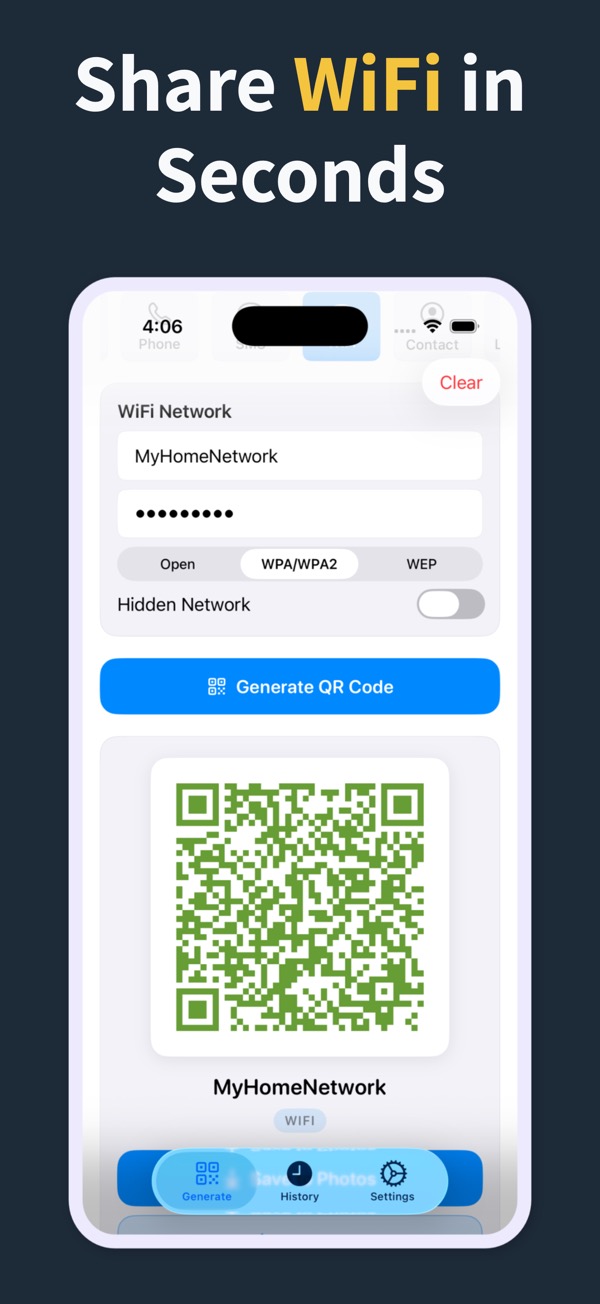
Create a location QR code in the app, place it on your material, and let scanners open the destination from their phone.
What you can make
Location QR Code Generator
01Create QR codes for addresses, venues, storefronts, real estate properties, classrooms, and event spaces.
02Add location QR codes to flyers, signs, cards, and handouts.
03Save location QR codes in history for repeat use or updates.
Questions
How do I make a QR code of a location?
Choose the location QR code type, enter the location details, preview the code, then share or export it.
Can I convert a location to a QR code?
Yes. Location is one of the QR code types supported by the app.
Can I use it for an event venue?
Yes. A location QR code can help guests open directions to the venue or meeting point.
QR Code Generator Maker
Make your next QR code look intentional
Download QR Code Generator Maker and turn links, WiFi details, contacts, and locations into scannable codes in seconds.
Download on the App Store