Guides

QR Code Generator Guides

Practical guides for creating custom QR codes for iPhone, WiFi access, business print materials, contacts, and more.
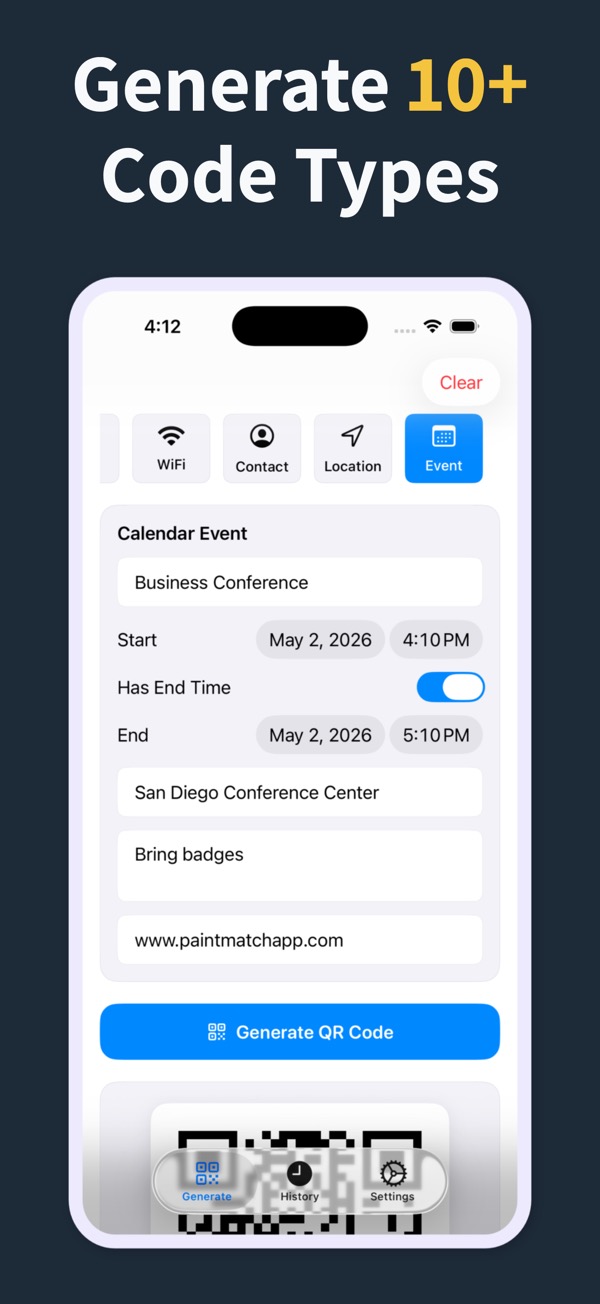
QR Code Generator screenshot
QR Code Generator customization screenshot

Choose the QR code job you need to solve and learn how the app helps you make a cleaner, more reliable code.

What you can make A QR code generator app for the codes people actually use Download a QR code generator app for iPhone and iPad that creates custom QR codes for URLs, WiFi, contacts, text, SMS, phone numbers, email, and locations. What you can make Turn any important link into a scannable QR code Create URL QR codes for websites, landing pages, menus, signup forms, product pages, directions, and social links from your iPhone or iPad. Solution Create a QR code people know to scan Generate scan-me QR codes for signs, flyers, counters, cards, displays, event handouts, and campaigns that need one clear scannable action. What you can make The iPhone QR code generator for everyday sharing Use QR Code Generator Maker as a fast iPhone and iPad QR code generator for links, WiFi, contacts, text, email, SMS, phone numbers, and locations. What you can make Make QR codes that match the moment Design custom QR codes with colors, margins, styling presets, editable history, and share-ready output from your iPhone or iPad. Solution Make WiFi access easier to share Create WiFi QR codes for guests, customers, classrooms, events, and offices so people can join a network without manually typing a password. Solution QR codes for the places your customers already look Create business QR codes for menus, storefront signs, flyers, real estate sheets, event handouts, and customer-facing print materials. What you can make Share contact details without spelling anything out Create contact QR codes for networking, business cards, events, classrooms, and customer follow-up without making people type details by hand. What you can make Create a vCard QR code people can save from a card Create a vCard QR code for business cards, networking, event badges, and follow-up materials so people can save contact details faster. What you can make Turn a location into a QR code for directions Create a QR code for a location, address, venue, meeting point, property, booth, or storefront so people can open directions quickly. Solution Create QR codes for event pages, invites, and venues Create event QR codes for RSVP pages, ticket links, calendar invite URLs, venue directions, schedules, check-in forms, and event handouts. What you can make Make it easier for people to start the right text message Create SMS QR codes for reminders, customer follow-up, event responses, support requests, lead capture, and quick text-message actions. What you can make Create a QR code that starts with a phone number Create phone QR codes for business cards, service desks, appointment signs, event booths, support lines, and printed customer materials. What you can make Create a plain text QR code for details that do not need a link Create text QR codes for instructions, labels, classroom notes, event details, inventory notes, short messages, and printed handouts. Solution Create QR codes that belong on printed materials Make printable QR codes for business cards, flyers, restaurant menus, event signs, real estate sheets, and classroom handouts.

Make your next QR code look intentional

Download QR Code Generator Maker and turn links, WiFi details, contacts, and locations into scannable codes in seconds.

Download on the App Store