
Problem
What you can make
Make it easier for people to start the right text message
An SMS QR code can open a prepared text-message flow so customers, guests, or contacts do not have to type a number by hand.
Solution
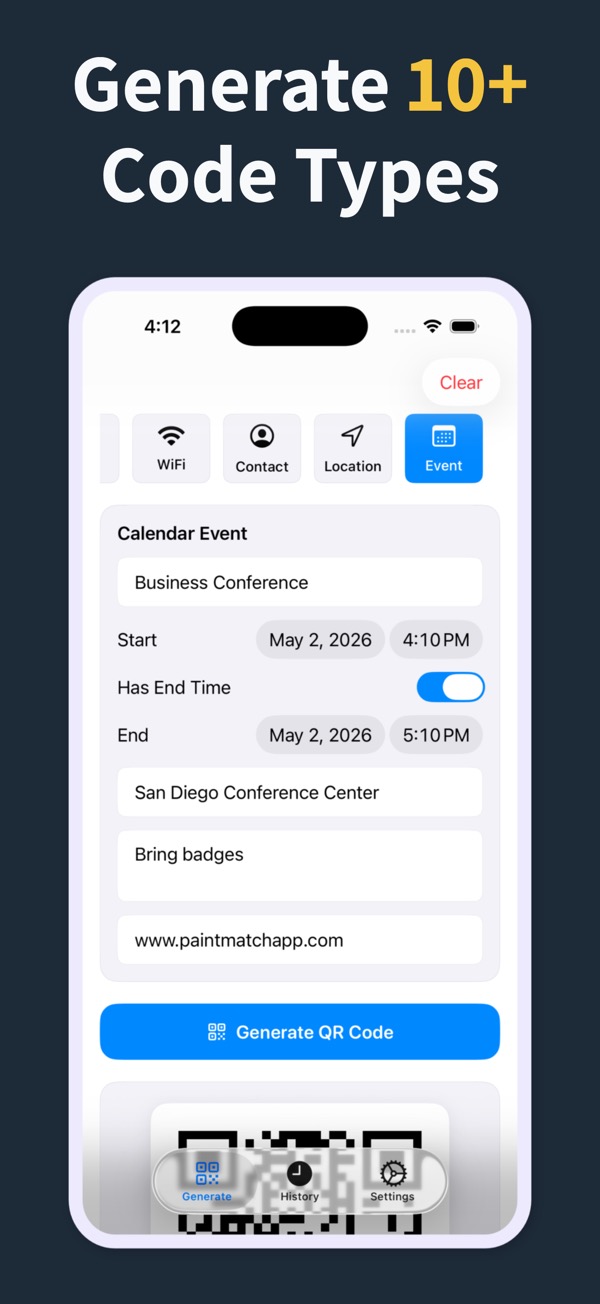
Create an SMS QR code in the app, add it to a card or sign, and make the next action easier to start.
What you can make
SMS QR Code Generator
Create SMS QR codes for customer replies, support requests, event check-ins, and follow-up prompts.
Pair SMS QR codes with signs, cards, flyers, and printed handouts.
Save previous SMS QR codes in history so repeated campaigns are easier to update.
Questions
Can I create an SMS QR code?
Yes. SMS is one of the QR code types supported by the app.
What can an SMS QR code be used for?
Use it when scanning should help someone start a text message for support, follow-up, event response, or customer contact.
Can I also create a phone QR code?
Yes. Phone number QR codes are supported separately from SMS QR codes.
Make your next QR code look intentional
Download QR Code Generator Maker and turn links, WiFi details, contacts, and locations into scannable codes in seconds.
Download on the App Store