
Problem
Solution
Create a QR code people know to scan
A “Scan Me” QR code works best when the destination is clear, the code has clean spacing, and the finished asset fits the sign or flyer.
Solution
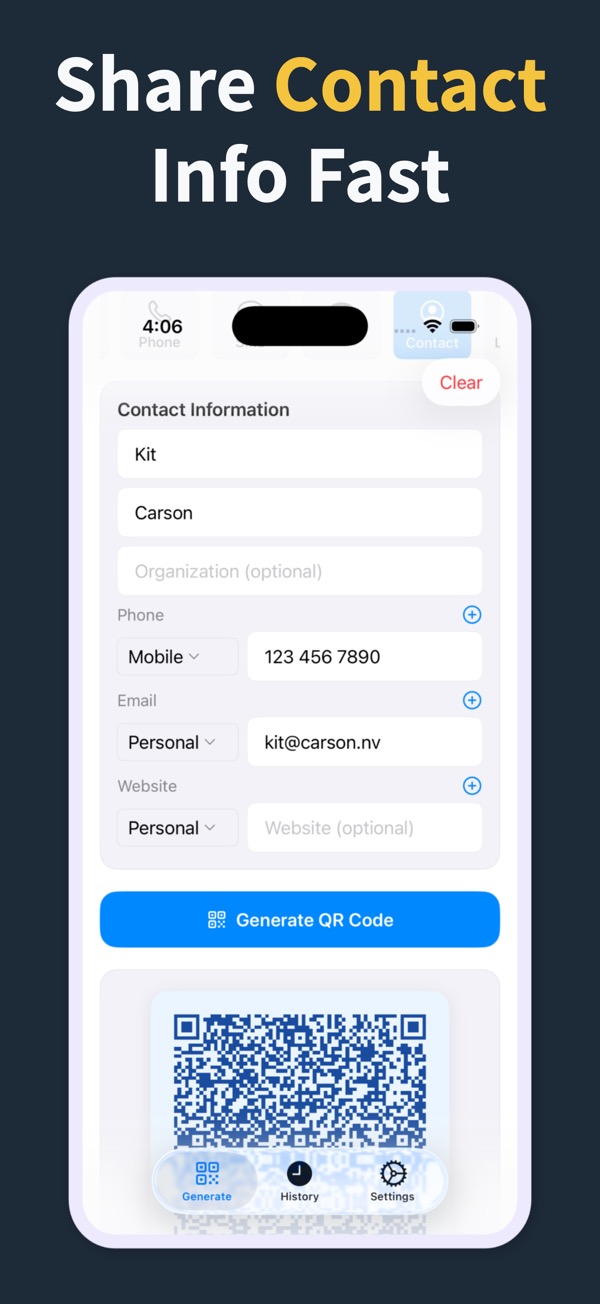
Create the code in the app, style it for the material, save it, and place it with a clear scan prompt.
What you can make
Scan Me QR Code Generator
Generate scannable QR codes for URLs, WiFi, contacts, text, SMS, phone, email, and locations.
Create multiple QR codes for different signs or campaign pieces and keep them in history.
Export a clean QR code asset for printed “Scan Me” placements.
Questions
What is a Scan Me QR code?
It is a QR code placed with a clear prompt so someone knows to scan it from a sign, flyer, card, or display.
Can I make multiple scan QR codes?
Yes. You can create different QR codes for different destinations and keep them in the app history.
Does the app scan QR codes too?
This app is focused on creating and sharing QR codes. iPhone Camera can scan the finished code for testing.
Make your next QR code look intentional
Download QR Code Generator Maker and turn links, WiFi details, contacts, and locations into scannable codes in seconds.
Download on the App Store