
Problem
What you can make
Create a plain text QR code for details that do not need a link
A text QR code is useful when the scan should reveal instructions, notes, labels, or details without sending people to a website.
Solution
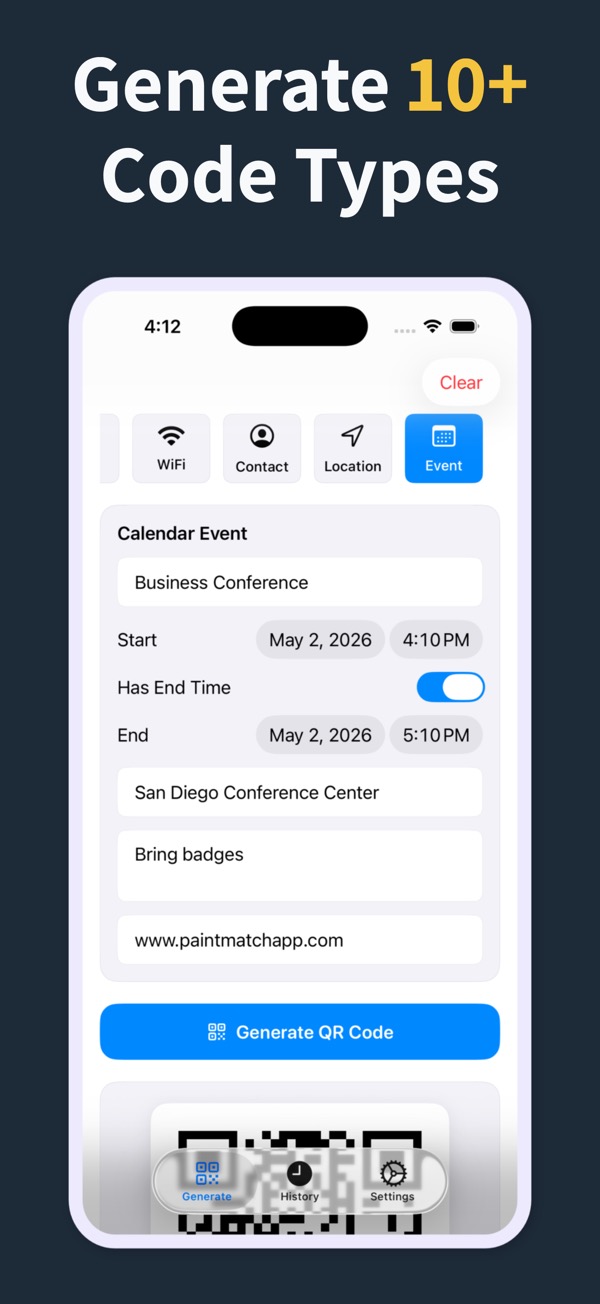
Create a plain text QR code in the app, style it, save it, and place it where the extra details are useful.
What you can make
Text QR Code Generator
01Create text QR codes for classroom notes, event details, product labels, instructions, and internal handouts.
02Keep printed layouts cleaner by moving supporting text into a scannable code.
03Save text QR codes in history for updates and repeated use.
Questions
Can I create a text QR code?
Yes. Plain text is one of the supported QR code types.
When should I use a text QR code instead of a URL QR code?
Use text when the content is a short message, instruction, note, or label that does not need a web page.
Can I style a text QR code?
Yes. You can customize the code before exporting or sharing it.
QR Code Generator Maker
Make your next QR code look intentional
Download QR Code Generator Maker and turn links, WiFi details, contacts, and locations into scannable codes in seconds.
Download on the App Store