Problem
What you can make
Create a vCard QR code people can save from a card
A vCard QR code packages contact details into a scannable format that fits business cards, badges, slides, and printed handouts.
Solution
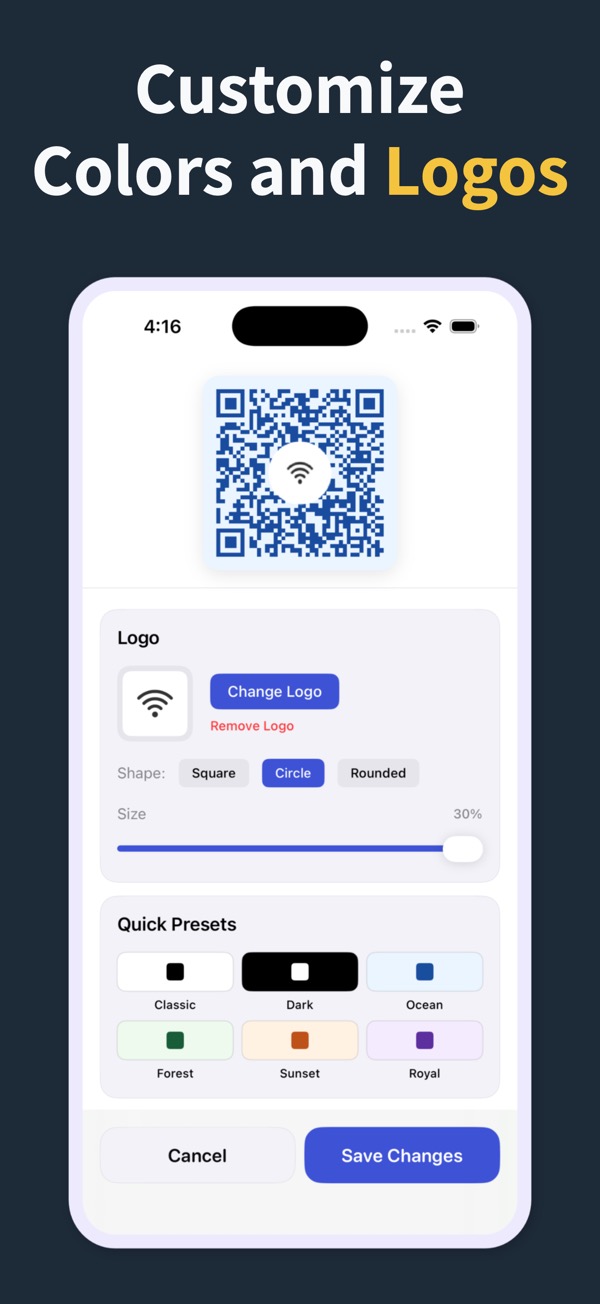
Use the contact QR code flow to build a vCard-style code, save it, and add it to your networking material.
What you can make
vCard QR Code Generator
Create contact QR codes for names, phone numbers, emails, company details, and follow-up materials.
Add a vCard QR code to business cards, event badges, class sheets, and sales handouts.
Keep the code in history so updates are easier when details change.
Questions
How do I make a vCard QR code?
Create a contact QR code, enter the details you want to share, preview it, then export or share the finished code.
What is the QR code vCard format?
It is a contact-card format that lets scanning apps recognize details such as name, phone, email, and organization.
Can I use it on a business card?
Yes. Contact and vCard-style QR codes are useful when printed on business cards and event material.
Make your next QR code look intentional
Download QR Code Generator Maker and turn links, WiFi details, contacts, and locations into scannable codes in seconds.
Download on the App Store