Problem
Solution
Create QR codes that belong on printed materials
Prepare a QR code for the real world: clear margins, intentional styling, and high-quality output for print or sharing.
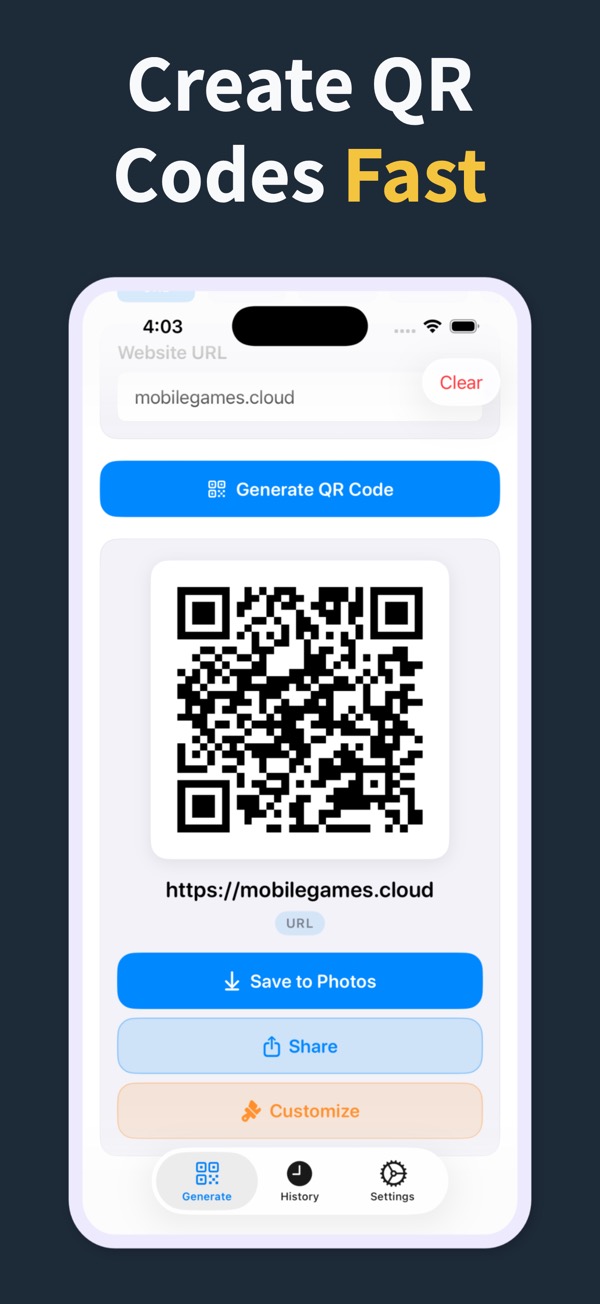
Solution
Design the QR code in the app, save it in history, and export a cleaner asset for flyers, cards, signs, and menus.
What you can make
Printable QR Codes
Use margins and styling controls before adding a QR code to printed layouts.
Create codes for URLs, WiFi, contacts, locations, and other common print needs.
Reuse saved QR codes when a flyer, sign, or menu needs another version.
Questions
Can I use the QR codes on flyers?
Yes. QR Code Generator Maker creates high-quality output for flyers, business cards, and signage.
What should I check before printing a QR code?
Keep enough contrast, leave clean space around the code, and test a scan from the expected viewing distance.
Can I make QR codes for menus?
Yes. You can create website QR codes for digital menus and WiFi QR codes for guests.
Make your next QR code look intentional
Download QR Code Generator Maker and turn links, WiFi details, contacts, and locations into scannable codes in seconds.
Download on the App Store